AnyRouter MCP with OpenCode
Add the AnyRouter MCP server to OpenCode with a project or global opencode.json.
This is the tools connection (catalog, credits, keys). To route OpenCode's inference through AnyRouter, use the OpenCode guide; the two blocks can live in the same file.
-
Add the server to
./opencode.json(project) or~/.config/opencode/opencode.json(global):{ "$schema": "https://opencode.ai/config.json", "mcp": { "anyrouter": { "type": "remote", "url": "https://anyrouter.dev/api/v1/mcp", "enabled": true } } }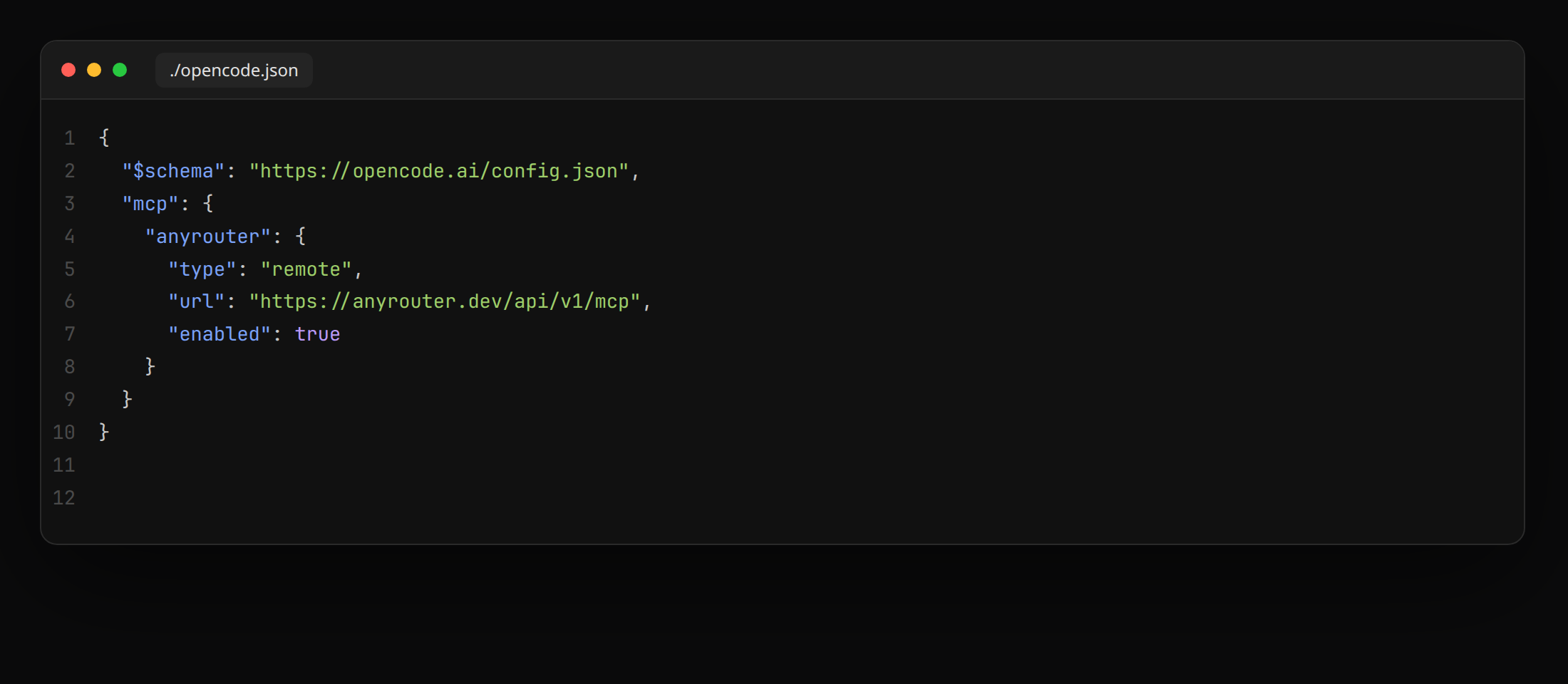
-
Restart OpenCode. On the next tool call, approve
anyrouter.dev/oauth/consent(Read-only is the default). -
Check it: ask "how many AnyRouter credits do I have left?". The agent calls
get_credits.
anyr opencode connects the gateway for you when Auto-connect in coding agents is on in the dashboard. Turn it off with --no-mcp, anyr mcp auto off, or the dashboard.
Revoke
Set "enabled": false or delete the entry, and revoke the token in the MCP dashboard. Later tool calls return 401 Unauthorized until you reconnect.
AnyRouter routes requests to third-party models. Models and outputs are provided as is, with no warranty; you use them at your own risk. Disclaimer