

Token Plan 是什么
Token Plan 是 QwenCloud 面向 Qwen 模型的包月套餐。你向 QwenCloud 支付固定价格,而不是按 token 付费。它的 API key 以 sk-sp- 开头,套餐按新加坡区域购买。
你可以把这个 key 作为自带 key(BYOK)添加到 AnyRouter。你的 key 处理的请求,AnyRouter 不加价,也不扣积分。本文使用 qwen/qwen4-max。
添加你的 key
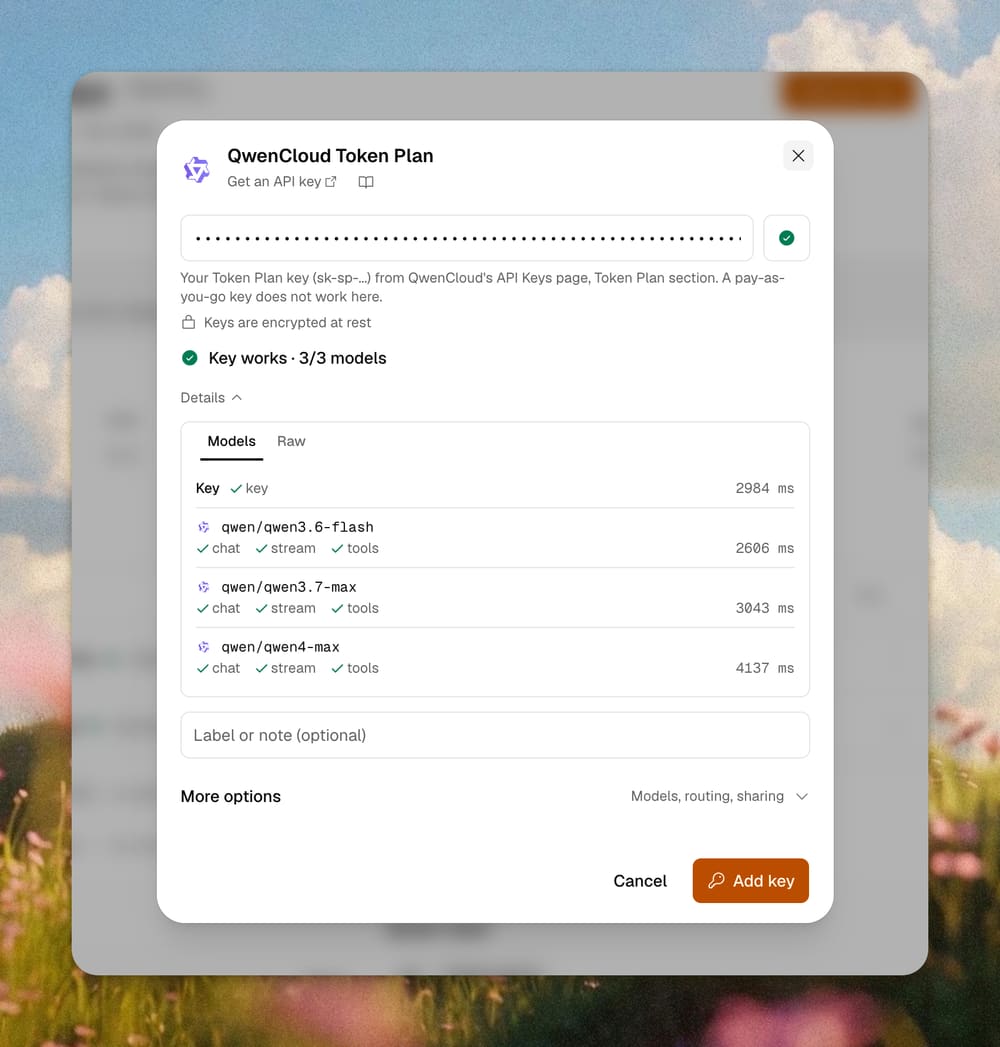
在 QwenCloud 的 API Keys 页面的 Token Plan 区域复制你的 key。要用以 sk-sp- 开头的 Token Plan key,按量付费的 key 在这里不能用。
1. 打开 key 菜单。 进入 Qwen4 Max 页面。在 Upstreams 表里找到 QwenCloud Token Plan,打开它的 Key 菜单,选择 Add your key (BYOK)。

2. 粘贴 key。 AnyRouter 会立刻检查它。key 有效时会显示 Key works 和它能调用的模型。然后点击 Add key。
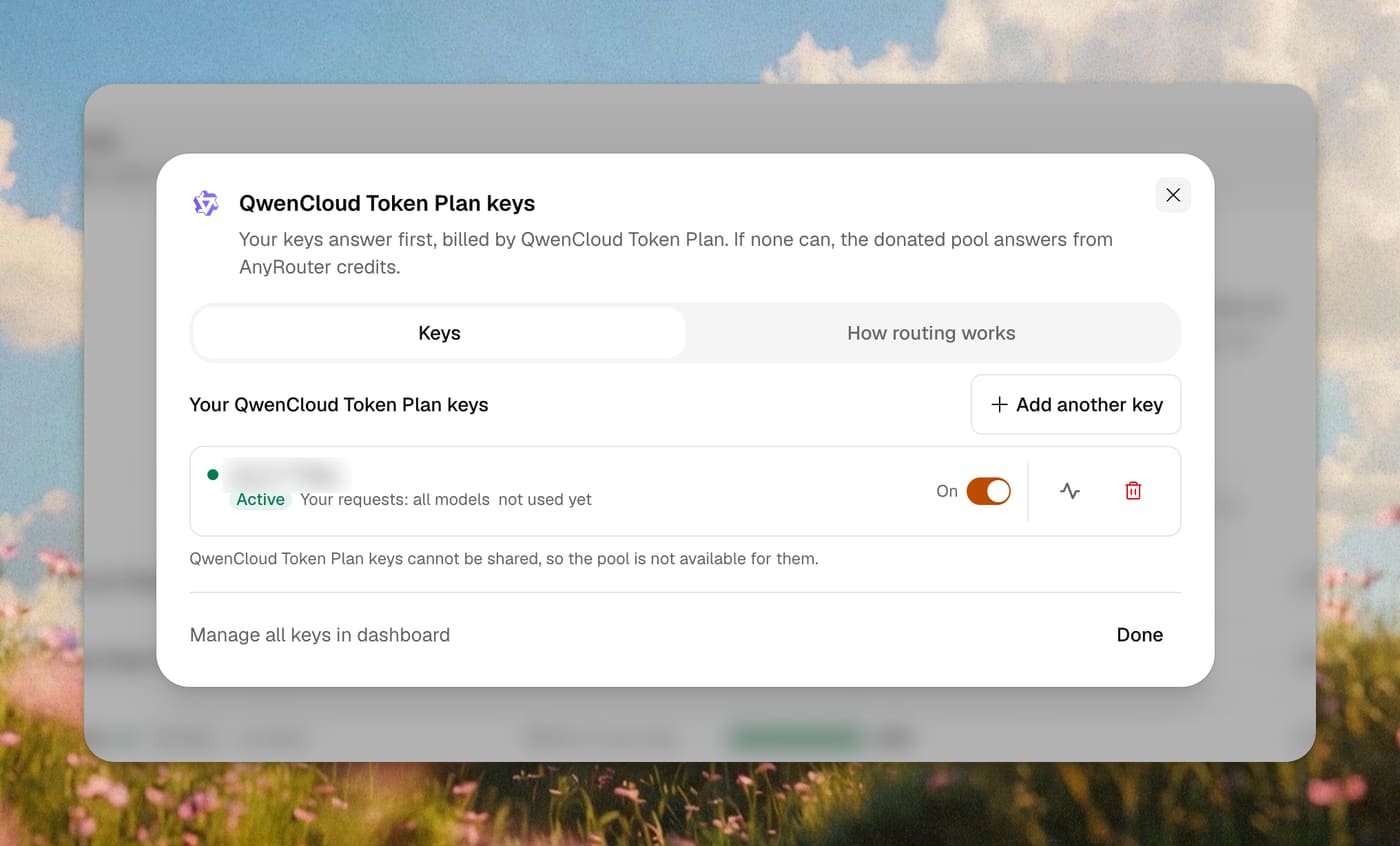
3. 确认已启用。 key 显示为 Active。AnyRouter 只显示它的掩码形式,你可以随时关闭或删除它。之后也可以在 BYOK 页面添加。
方式 A:编程 agent
如果你每天都在 Claude Code 里工作,用这个。AnyRouter CLI 会让 Claude Code 通过 AnyRouter 启动,并为本次会话选好模型。第一次运行会引导你登录。
curl -fsSL https://anyrouter.dev/cli.sh | bash
anyr claude --model qwen/qwen4-max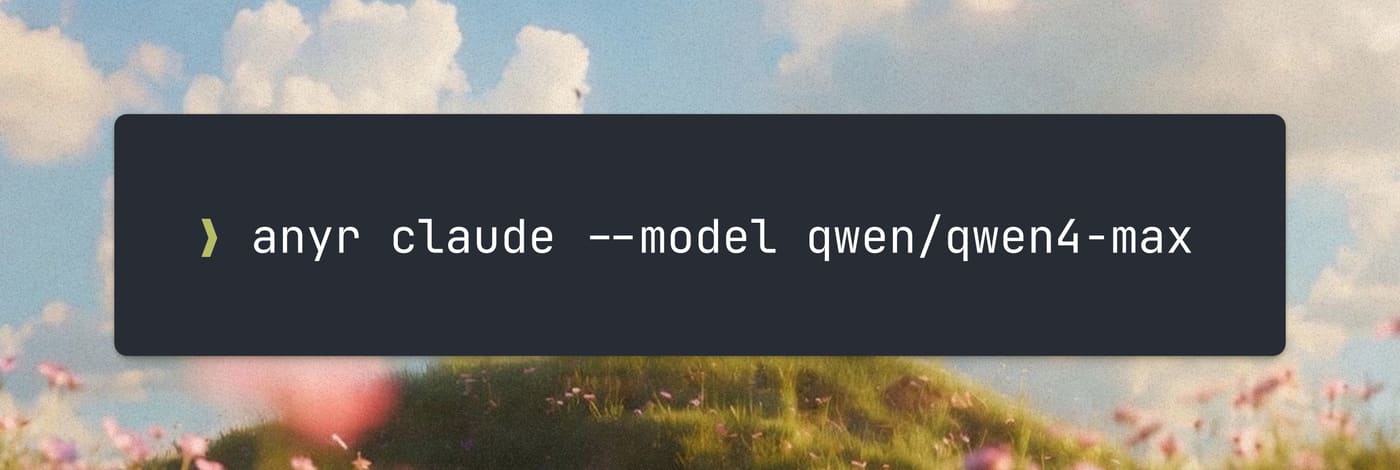
Claude Code 打开后,发一条消息。它会以你选的模型回答。
Claude Code v2.1.325
qwen/qwen4-max with low effort · API Usage Billing
~/my-app
❯ Hello, what model are you?
● I’m the AI assistant in this session, currently running as Qwen4-Max (qwen/qwen4-max).
✻ Worked for 9s · done 10:36 PManyr codex、anyr opencode 和 anyr grok 使用同样的 --model 参数。完整选项见 Claude Code 指南和 QwenCloud Token Plan 文档。
方式 B:用 Vercel AI SDK 自建 agent
如果你自己构建 agent,用这个。它用的是 Vercel AI SDK,不是 OpenAI SDK。在它旁边安装 AnyRouter provider。
npm install @anyr/ai-sdk-provider ai然后用 AnyRouter 的模型 id 调用模型。
import { createAnyRouter } from "@anyr/ai-sdk-provider"
import { generateText } from "ai"

const anyrouter = createAnyRouter()

const { text } = await generateText({
  model: anyrouter("qwen/qwen4-max"),
  prompt: "Say hi in 3 words.",
})
console.log(text)
createAnyRouter() 从环境变量 ANYROUTER_API_KEY 读取你的 AnyRouter key。它是控制台里的 AnyRouter key,不是 Token Plan key。Token Plan key 由 AnyRouter 在发出请求时附上。
在日志里查看
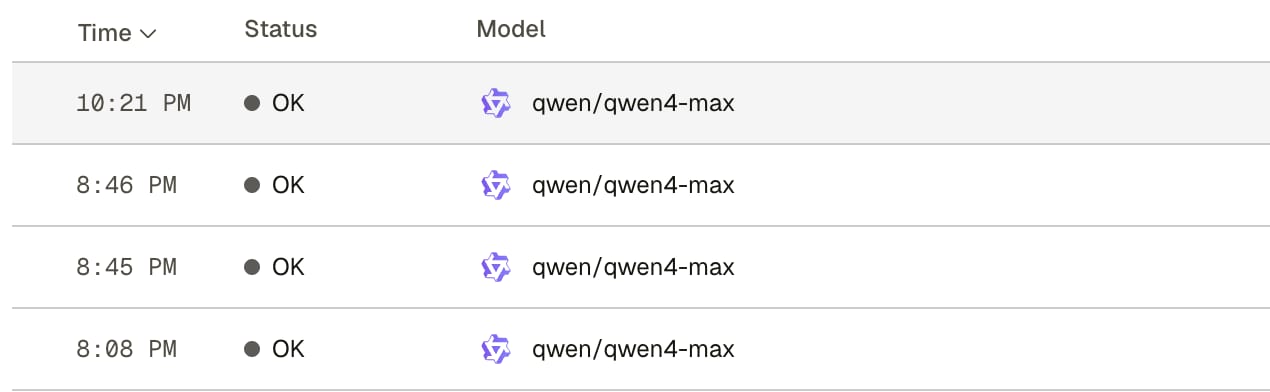
打开请求日志。你的请求会在一两秒内出现,并显示模型、token 数和费用。
限制
QwenCloud 只允许购买者本人在编程和 agent 工具里交互式使用 Token Plan。不要把它用于自动化脚本、应用后端或批量调用,也不要共享 key。
所以方式 B 只适合你自己的交互式 agent,以及在自己机器上的开发工作。它不能用来运行产品后端。后端请用按量付费的 key。
出于同样的原因,Token Plan key 永远不能捐赠给共享号池。AnyRouter 也不提供这个选项。
Qwen4 Max 是预览版。QwenCloud 表示预览版将于 2026 年 11 月 25 日结束。之后请从 QwenCloud Token Plan 文档里换一个 Qwen 模型。
相关文章
Bring your own keys — every provider behind one API
Connect the provider keys and subscriptions you already pay for, route them through one OpenAI-compatible URL with automatic failover, and — soon — earn credits back by donating idle quota to the shared pool.
Use AnyRouter with the Vercel AI SDK
@anyr/ai-sdk-provider wraps the AnyRouter gateway as a standard Vercel AI SDK provider. Call createAnyRouter(), pass a provider/model id, and generateText, streamText, and generateObject work unchanged — switching models is a one-string edit.
How to use AnyRouter with Claude Code (Anthropic's CLI coding tool)
Point Claude Code at AnyRouter by setting two environment variables. Here's the setup, what changes, and what to do when things go wrong.