

What Token Plan is
Token Plan is QwenCloud's monthly plan for Qwen models. You pay QwenCloud one flat price instead of paying per token. Its API key starts with sk-sp-, and you buy the plan for Singapore.
You can add that key to AnyRouter as a bring-your-own-key (BYOK) key. AnyRouter adds no markup and charges no credits for the requests your key serves. This guide uses qwen/qwen4-max.
Add your key
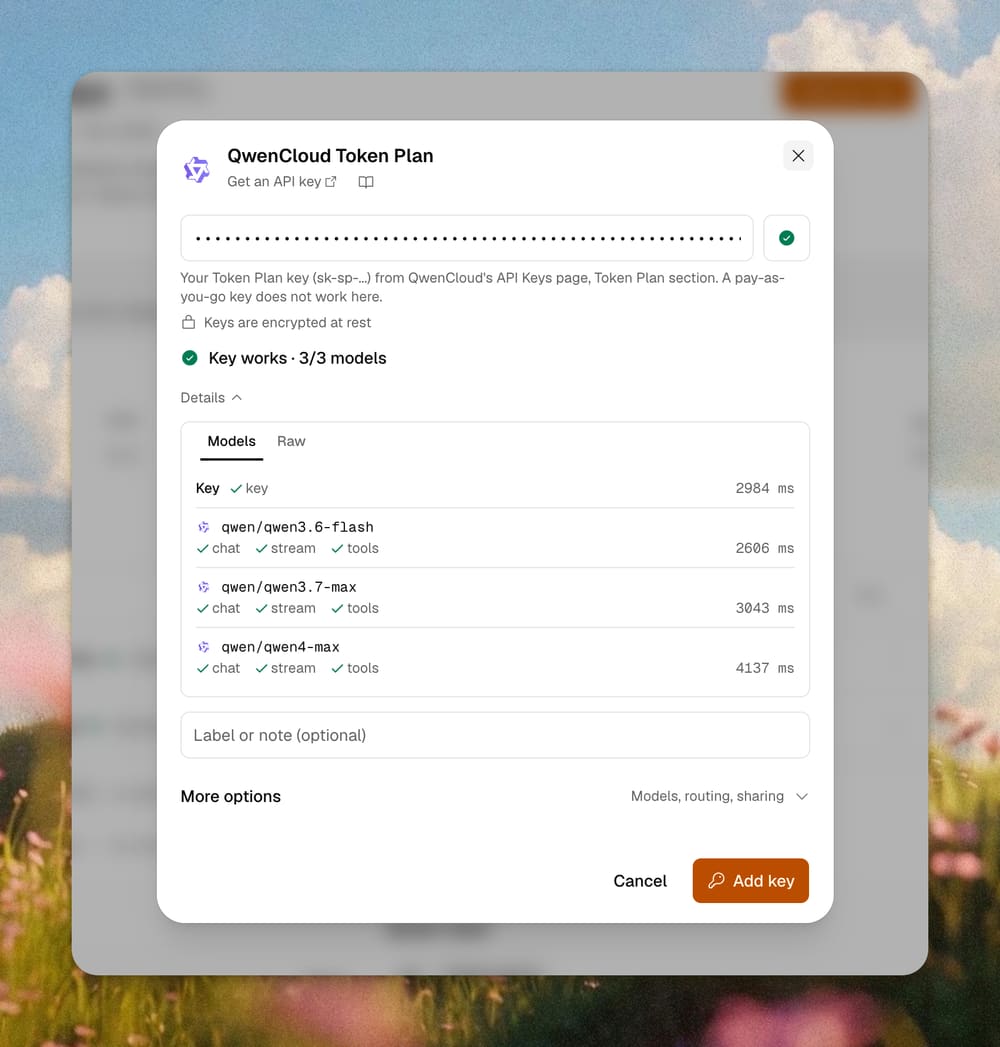
Copy your key from the Token Plan section of QwenCloud's API Keys page. Use the Token Plan key that starts with sk-sp-. A pay-as-you-go key does not work here.
1. Open the key menu. Go to the Qwen4 Max page. In the Upstreams table, find QwenCloud Token Plan, open its Key menu and choose Add your key (BYOK).

2. Paste the key. AnyRouter checks it right away. A good key shows Key works and the models it can call. Then click Add key.
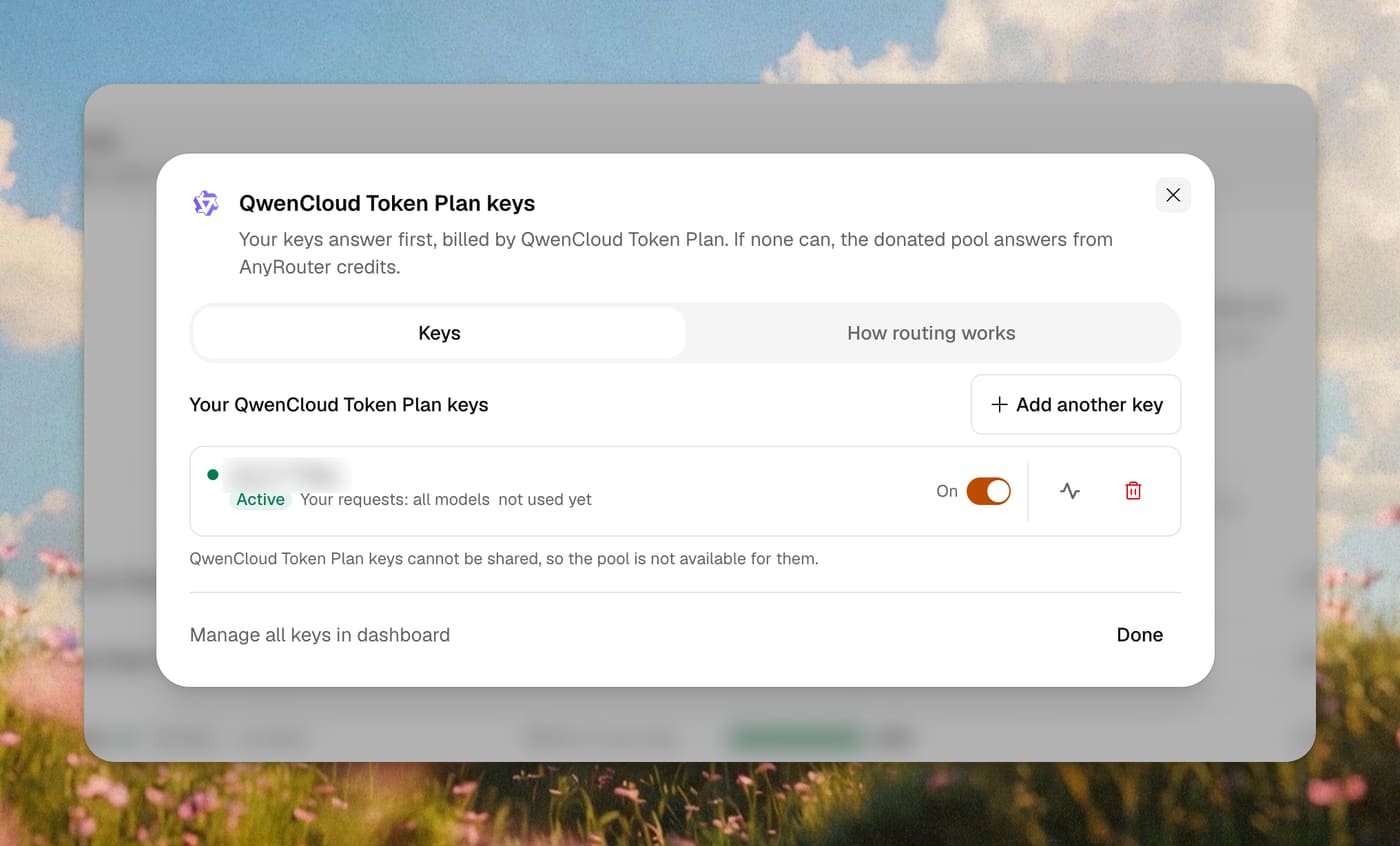
3. Check that it is on. The key shows as Active. AnyRouter shows only a masked form of it, and you can switch it off or delete it at any time. You can also add it later from the BYOK page.
Option A: a coding agent
Use this when you work in Claude Code every day. The AnyRouter CLI starts Claude Code on AnyRouter and picks the model for the session. The first run signs you in.
curl -fsSL https://anyrouter.dev/cli.sh | bash
anyr claude --model qwen/qwen4-max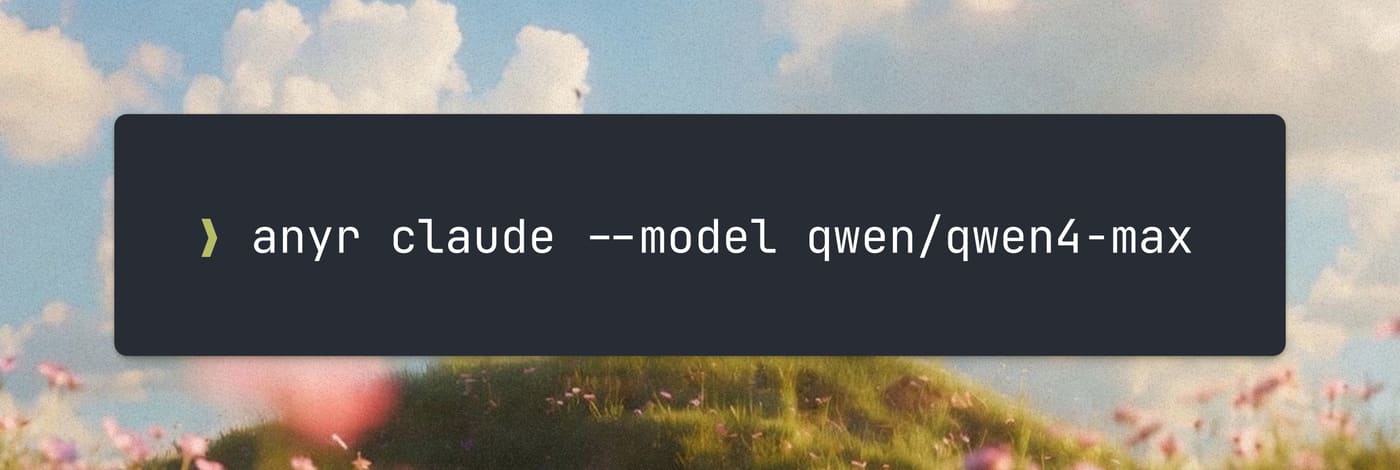
Once Claude Code opens, send a message. It answers as the model you picked.
Claude Code v2.1.325
qwen/qwen4-max with low effort · API Usage Billing
~/my-app
❯ Hello, what model are you?
● I’m the AI assistant in this session, currently running as Qwen4-Max (qwen/qwen4-max).
✻ Worked for 9s · done 10:36 PManyr codex, anyr opencode and anyr grok take the same --model flag. The full set of options is in the Claude Code guide and the QwenCloud Token Plan docs.
Option B: your own agent with the Vercel AI SDK
Use this when you build an agent yourself. It uses the Vercel AI SDK, not the OpenAI SDK. Install the AnyRouter provider next to it.
npm install @anyr/ai-sdk-provider aiThen call the model by its AnyRouter id.
import { createAnyRouter } from "@anyr/ai-sdk-provider"
import { generateText } from "ai"

const anyrouter = createAnyRouter()

const { text } = await generateText({
  model: anyrouter("qwen/qwen4-max"),
  prompt: "Say hi in 3 words.",
})
console.log(text)
createAnyRouter() reads your AnyRouter key from the ANYROUTER_API_KEY environment variable. That is your AnyRouter key from the dashboard, not the Token Plan key. AnyRouter adds the Token Plan key on the way out.
See it in your logs
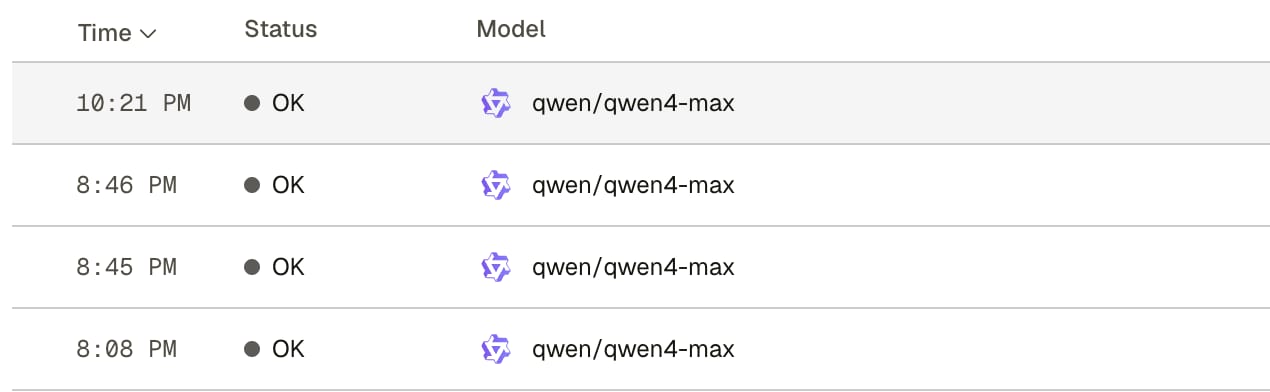
Open the request logs. Your request appears within a second or two with its model, tokens and cost.
Limits
QwenCloud allows Token Plan only for interactive use in coding and agent tools, by the person who bought it. Do not use it for automation scripts, application backends or batch calls, and do not share the key.
So Option B is for your own interactive agent and for development work on your own machine. It is not a way to run a product backend. Use a pay-as-you-go key for that.
For the same reason, a Token Plan key can never be donated to the shared pool. AnyRouter does not offer it.
Qwen4 Max is a preview. QwenCloud has said the preview ends on November 25, 2026. After that date, pick another Qwen model from the QwenCloud Token Plan docs.
Related posts
Bring your own keys — every provider behind one API
Connect the provider keys and subscriptions you already pay for, route them through one OpenAI-compatible URL with automatic failover, and — soon — earn credits back by donating idle quota to the shared pool.
Use AnyRouter with the Vercel AI SDK
@anyr/ai-sdk-provider wraps the AnyRouter gateway as a standard Vercel AI SDK provider. Call createAnyRouter(), pass a provider/model id, and generateText, streamText, and generateObject work unchanged — switching models is a one-string edit.
How to use AnyRouter with Claude Code (Anthropic's CLI coding tool)
Point Claude Code at AnyRouter by setting two environment variables. Here's the setup, what changes, and what to do when things go wrong.
Route your first request in 2 minutes
Start free with your own keys, or top up and pay per token. Get $4/mo in credits and free models on Go — $2/mo, or free when you donate a provider key.
Start free