fxbotCoding agents
Run fxbot on AnyRouter
Connect your self-hosted fxbot to AnyRouter as an OpenAI-compatible server and choose a chat model.
Short link
anyrouter.dev/u/fxbotSet it up
fxbot · Other server
Base URL: https://anyrouter.dev/api/v1
API key:  your sk-ar-v1- inference key
Model: anyrouter/hermes- 1.Create an AnyRouter inference key in Dashboard → Keys. It starts with sk-ar-v1-.
- 2.In fxbot, open Settings → Providers, choose Add provider, then Other server. Enter the base URL and your inference key.
- 3.Select a chat model, assign the provider and model on the bot's Edit page, and send a message. Check AnyRouter request logs to confirm the request.
Why use this
A self-hosted bot needs a provider and model. AnyRouter gives it one endpoint and a choice of models with account-dependent access.
Endpoints and key
- OpenAI-compatible
- https://anyrouter.dev/api/v1
- Anthropic-compatible
- https://anyrouter.dev/api
- Key
- ANYROUTER_API_KEY (sk-ar-…)
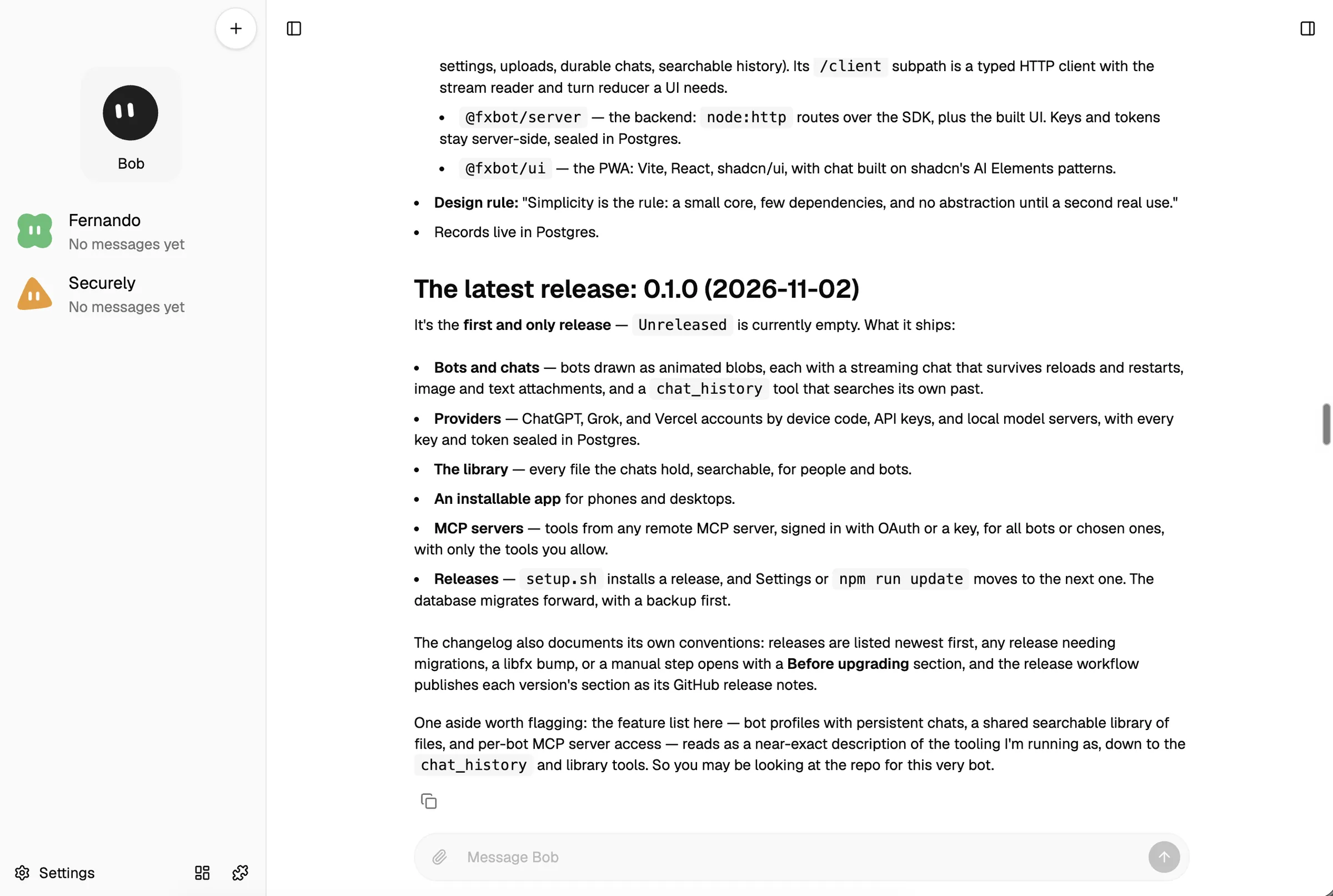
What you will see
Limits
- The native AnyRouter provider is proposed in fxbot pull request #12 and is not released. Use Other server instead.
- The model list can include non-chat models. Model availability depends on your plan, credits, and connected provider keys.
- The public model list does not validate an AnyRouter key. A chat request requires a valid inference key.